Drawing Confidentiality and File Handling
For engineers and buyers who want a CNC quote without sending more than the quote needs.
Use this page to decide which files to send at each stage, how to mark and trim confidential content, and which access and NDA questions to settle before detailed drawings change hands.
What a CNC Supplier Uses Your Drawing For
A drawing sent for quotation is read for a few decisions: which material and stock size to plan, which features need a particular machining route or setup, which requirements need a specific check, and whether finishing or treatment is involved.

Each stage of an order reads a different part of the same drawing — concept illustration
After an order is placed, the released revision is used to program the machine, set up the part, inspect it and label the shipment. Each use needs a different part of the file, so you can decide what to share by asking what the next decision actually requires.
The people and steps that handle project files at mgz are described in [Company file-handling policy, to be confirmed]. Until that statement is published, ask for it with your inquiry, and agree the handling in writing before you send any information your company classifies as confidential or controlled.
Related: About mgz
geometry, material, critical requirements, finish and quantity.
the released part revision and the 3D model, if one is supplied.
the characteristics, datums and records agreed for the order.
only what a finishing or treatment step needs, if one is used.
Files to Send at Each Stage
To price a machined part, the reviewer needs the part drawing and, where the geometry needs it, a 3D model. Assembly drawings, end-customer names and program context add little to that decision, and some of them never need to leave your company. Sending in stages keeps a clear record of what was shared at each decision point and lets you stop at any stage without having released the full package.
| Stage | What to send | What can wait or stay with you |
|---|---|---|
| First inquiry | A short description: part type, material if known, quantity and the feature or question to discuss | Drawings, models, customer and program names |
| Quotation | The part drawing with title block and revision; a 3D model if the geometry needs one; finish and document requirements | Assembly drawings, unrelated parts in the same file, end-use details |
| Order | The released revision of drawing and model, with inspection, document and packing requirements on the PO | Earlier revisions, which should be marked as superseded |
| Revision change | The new revision with the changes identified, and the quantity or date it applies from | A full re-send of the project package |
| Repeat order | The revision to be repeated, or confirmation that nothing has changed | New files, unless the revision has changed |
First contact
the inquiry form takes a written description only. File uploads are not enabled on it, so drawings are exchanged afterward by the method you agree.
Reduce What a Drawing Reveals
Much of the confidential content on a part drawing sits outside the geometry: the customer name in the title block, a program or project code, the next-level assembly number, approval signatures and notes about where the part is used. These fields can be removed, or replaced with your own neutral part number, without changing the geometry or requirements being quoted. The same applies to the 3D model: export the single part body rather than the assembly, and check the file properties before sending.
Single part only
send the part drawing and model, and give mating information as interface dimensions.
Neutral identifiers
replace customer, program and project names with your part number and revision.
File properties
check author, company and folder-path fields in CAD and PDF metadata.
Requirements stay
tolerances, datums, material, finish and inspection notes remain visible.
Keep every requirement the quote depends on. A redacted drawing that also hides a tolerance, a datum, a finish note or the material callout will be quoted as a different part. If you masked a field, say so in your message, so the reviewer asks about it instead of assuming what it contained.
Before sending
compare the redacted file with the original. A mask that also covered the revision letter leads to a quote against the wrong definition.
Share Function Without Sharing the System
Parts for RF, radar, UAV and equipment assemblies often raise one question about function: which face carries electrical contact, which passage is functional, which surface seals or locates. A precise answer to that question is enough for a manufacturing review. The frequency band, payload, platform or end customer does not change how the part is machined or inspected, and that information can stay with your team.
Put functional answers on the drawing, or in a short written note tied to a feature reference, such as 'surface B mates with the cover and carries electrical contact'. A note attached to a feature can be checked at inspection. A system description in an email cannot be checked against the part, and it spreads information further than the part needs.
Related: RF and microwave machining · UAV components
Answer the question asked
if a reviewer needs function to decide a feature, expect a specific question about that feature, and answer it rather than sending the system description.
Mark Confidential Content on the File Itself
A confidentiality statement in an email stays in the email.
A proprietary legend and permitted-use statement placed beside the title block — concept illustration
A printed demonstration drawing at a workstation, with its legend still readable
A legend on the drawing travels with the file when it is printed for setup, attached to an inspection plan or forwarded internally. Place a short proprietary statement near the title block on every sheet, and state the permitted use: for quotation only, or for manufacture under the referenced purchase order only.
A STEP or other neutral model carries no title block, so add the same statement to the file name or to a text note in the model, and keep model and drawing at the same revision. If extracts must not go to an outside processor without your written approval, say so in the legend as well. A restriction printed on the sheet is easier to follow than one stated in a message.
- 01Every sheet
a legend near the title block, not only on the first page.
- 02Permitted use
quotation only, or manufacture under the referenced PO only.
- 03Distribution
whether extracts may go to an outside finishing or treatment supplier.
- 04Models
a matching statement in the file name or a note inside the model.
Requesting an NDA Before Drawings Are Shared
An NDA is an option you can request, not a precondition for an inquiry.
The first page of the standard NDA template, if one is offered
If your company requires one, send it before the drawings rather than with them, and check that it names the legal entity you will place the order with: [Legal entity name, to be confirmed]. Whether mgz signs a buyer's own NDA or offers a standard template is stated in [Company position on buyer NDAs and standard template, to be confirmed].
The points that decide whether an NDA fits a manufacturing project are the permitted purpose, who on the supplier side may receive the information, whether outside processors are covered, how long the obligation lasts and what happens to files when the project ends. Settling these before files move avoids a gap between what the agreement says and how the part is actually made.
Related: Contact the team
quotation, manufacture of the ordered parts, or both.
employees with a role in the order, and any outside processor.
how long obligations last and how files are returned or deleted.
the legal entities that will sign the order and receive the files.
Not legal advice
these points help you prepare a request. The wording of the agreement is for your legal team and the supplier to settle.
Outside Processes and Who Else Sees an Extract
Some operations on a machined part, such as anodising, plating, heat treatment or a specialised measurement, may be carried out by an outside processor.
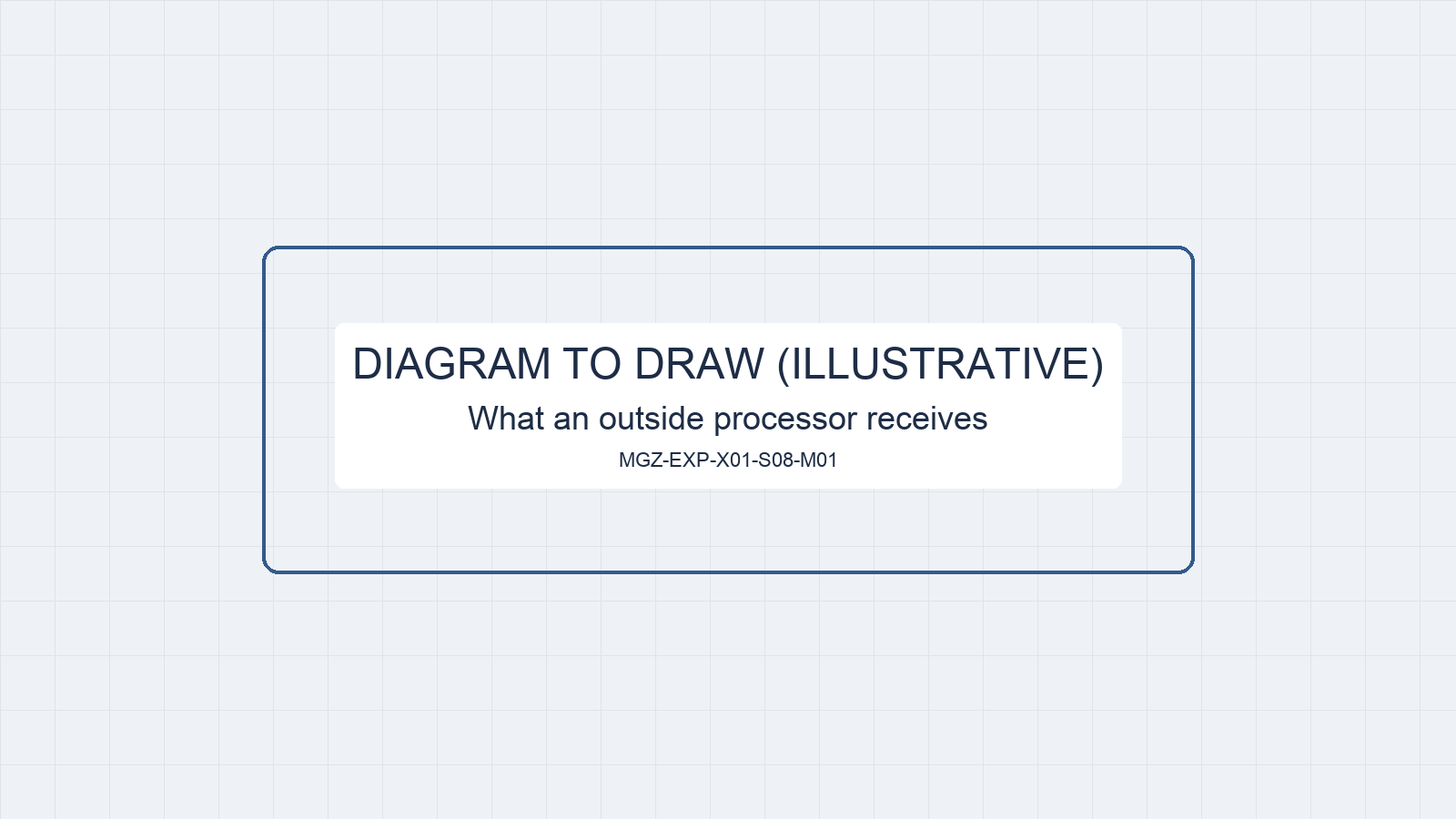
The processor receives the part and a finish instruction, not the full file set — concept illustration
That processor needs enough to do the job, which may be no more than the part itself, the process specification and any masking or contact areas. Ask which operations on your part are performed outside, and what each processor would receive: [Outside operations for your order, to be confirmed at quotation].
Decide in advance what may be passed on. You can require that only a finish instruction and a marked-up view go to the processor, that any extract carries your legend, or that every transfer needs your written approval. Write the rule into the legend or the NDA, so it applies to everyone handling the order, not only to the person who answered your email.
Related: Materials and surface finishing · Factory and production
Which steps
finishing, treatment or inspection not carried out in the factory for your part.
What they receive
the part and a finish instruction, a marked-up view, or a drawing extract.
Your approval
whether extracts may be sent without your written consent.
Exchanging Files After the First Inquiry
Once the first inquiry has been answered, files move by the method you agree: [File exchange method, to be confirmed]. If your company runs its own file-sharing system, a link from it lets you set access, expiry and download records from your side. If you prefer email, send the drawing and model together and list the file names and revisions in the message, so receipt can be checked against your list.
Ask for a reply that confirms which files and revisions were received. When a revision replaces an earlier one, say which file is now current and ask for the superseded file to be marked or removed from the project folder. A clear receipt record is what both sides refer to if the question of which revision was quoted comes up later.

An email attachment or a link from your own file-sharing system — concept illustration
A redacted receipt reply listing the file names and revisions received
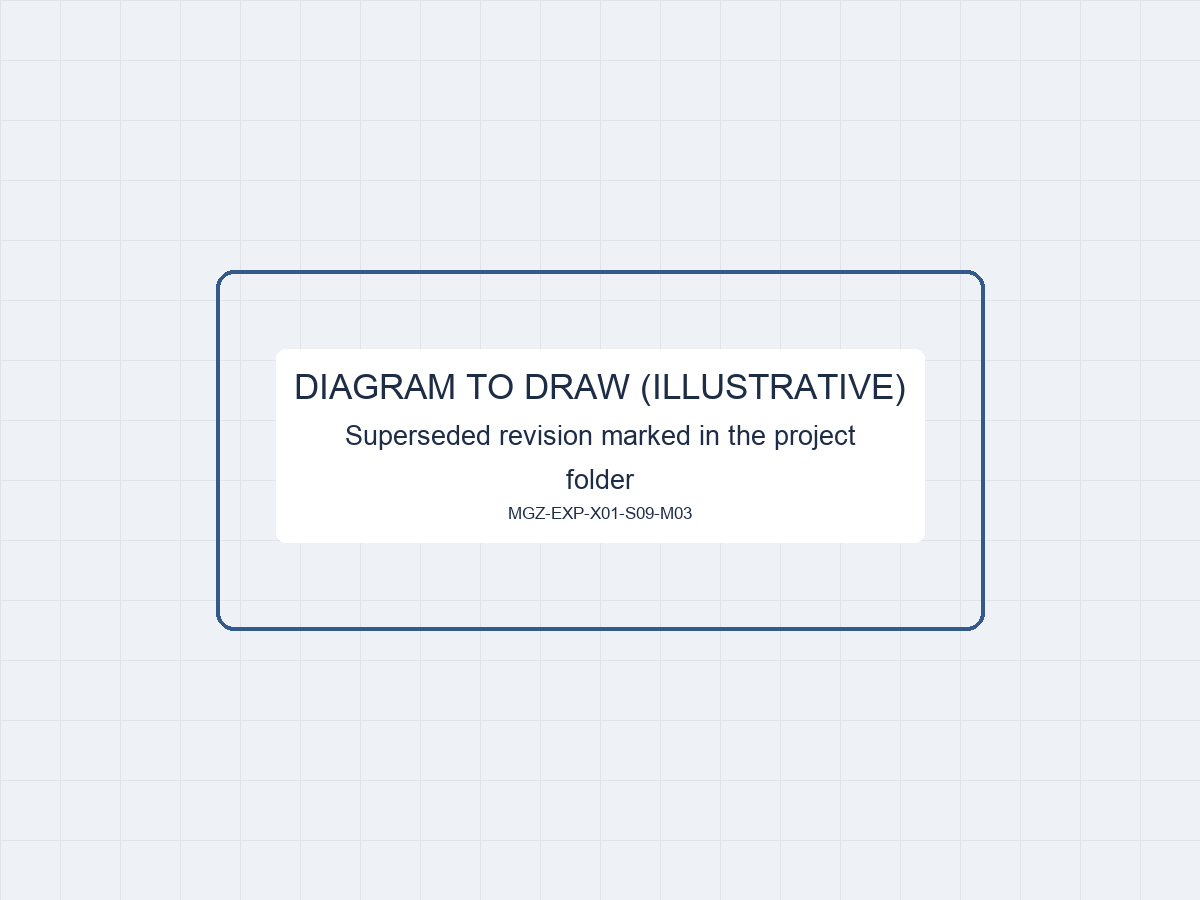
The current revision kept and the earlier one marked as superseded — concept illustration
Chat apps
if you coordinate by WhatsApp, agree whether drawings may be sent there. Files sent through a chat app are also held under that app's own terms.
Which Supplier Roles Need Your Files
In a machining order, files pass through a small number of roles.
A released demonstration drawing used at an inspection station to plan the agreed checks
The sales or project contact receives them and confirms the revision. Engineering or quoting reviews the geometry and requirements. Programming uses the model and drawing to prepare the machining route. Production refers to the released drawing at setup, and quality uses it to plan and record the agreed checks. Shipping needs only the part number, revision and quantity for labels and packing documents.
Ask which of these roles have access to your files and how access is limited: [Roles with access to project files at mgz, to be confirmed]. Ask also how long project files are kept after the last order and whether they can be returned or deleted on request: [File retention and deletion practice, to be confirmed].
Related: Factory and production · About mgz
Records that stay with the order
an inspection report or packing list issued with your parts may be kept as part of the order record. Agree which records are kept and which files are deleted.
Drawing and File Handling Questions
These answers cover the questions engineers and buyers raise before releasing drawings to a new supplier. Where an answer depends on the company's own policy, the placeholder shows what still has to be confirmed in writing, so you can ask for it directly with your inquiry rather than assume it.
Do I need to send a drawing to get a first answer?
No. The inquiry form takes a written description, and file uploads are not enabled on it. Describe the part type, material if known, quantity and the feature or question you want to discuss. If the answer depends on the drawing, the reply should name the file needed, and files are then exchanged by the method you agree.
Will you sign our NDA before we send drawings?
Send your NDA, or ask for a standard template, before sending any drawings. Whether a buyer's own agreement can be signed, and by which legal entity, is stated in [Company position on buyer NDAs, to be confirmed]. Allow time for that review when you plan the quote, and hold back controlled files until the agreement your company requires is in place.
Can I send a redacted drawing for the quote?
Yes, provided the requirements that define the part remain visible: geometry, tolerances, datums, material, finish and any inspection notes. Mention which fields you masked. The quote is based on what the drawing shows, so a later unmasked revision that adds requirements may need to be quoted again.
Will our drawings be passed to other companies?
Ask this directly and get the answer in writing. In a machining order, the usual reason to pass on part of a file is an operation performed outside the factory, such as finishing or treatment. Which operations apply to your part is confirmed at quotation: [Outside operations, to be confirmed]. You can require written approval before any extract is passed on.
What happens to our files when the project ends?
[File retention and deletion practice, to be confirmed]. Ask for return or deletion in writing, name the files and revisions the request covers, and agree which order records stay, such as the inspection report and packing list that shipped with the parts. A written confirmation of deletion can be requested; it should state which files it covers.
Can you work with export-controlled drawings?
This page makes no statement about export authorisation. If a drawing or its technical data falls under export-control rules, your compliance team decides whether it may be sent to a supplier in another country at all. State the classification status before sending anything, and ask for the company's position in writing: [Position on export-controlled technical data, to be confirmed].
Discuss File Handling for Your Project
Describe the part and the stage your project is at, and tell us which confidentiality terms, markings or file channel your company requires.
Sales contact (pending)
Name, role and photo to be confirmed
Drawings are optional for an initial discussion.
Start with the information you have; file exchange can be arranged afterward.
Name to be confirmed
Sales, company name to be confirmed
- A drawing is not needed for this first message; files can be exchanged once the method and any NDA are agreed.
Project Inquiry
Fields marked are required.